Translate Slides with AI
Translate Slides with AI is a Google Slides™ editor add-on that translates the presentation you have open into any of 100+ languages — professional AI quality, your formatting and layout intact. One click. Quality first.
Install from Google Workspace Marketplace See how it works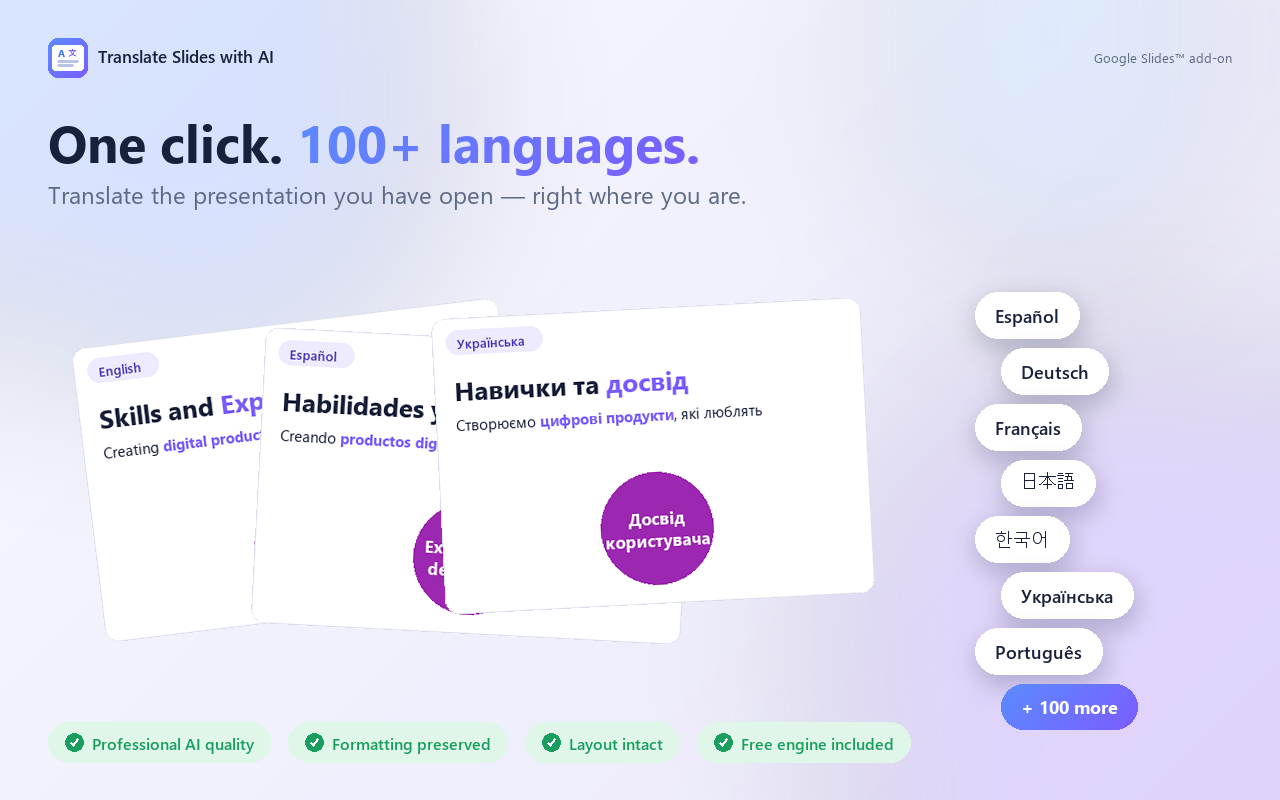
Quick start — watch it work
From “where do I find it?” to a polished translated deck. Hover to pause between steps, click a step to jump.
Built around three promises
Quality you can trust. Formatting that survives. A layout that doesn't break.
Quality you can present.
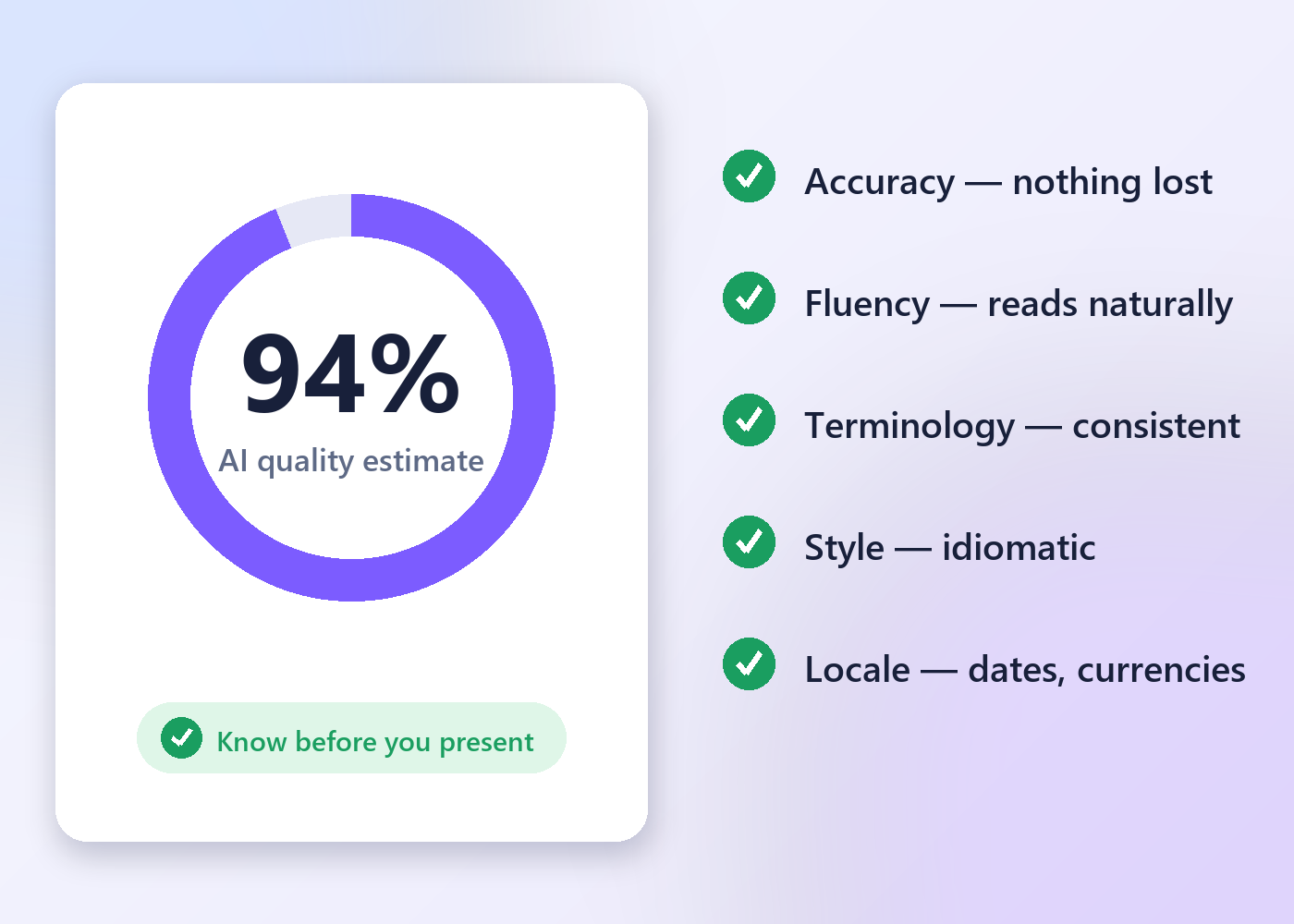
Every translation runs with a professional translator's QA checklist built in — accuracy, fluency, terminology, style and locale conventions, checked and fixed before the text is written back into your deck.
- Accuracy — nothing added, omitted or mistranslated
- Fluency, terminology and idiomatic style
- Locale conventions: dates, currencies, measurements
- Add your own instructions: tone, glossary, brand terms
Your design stays your design.
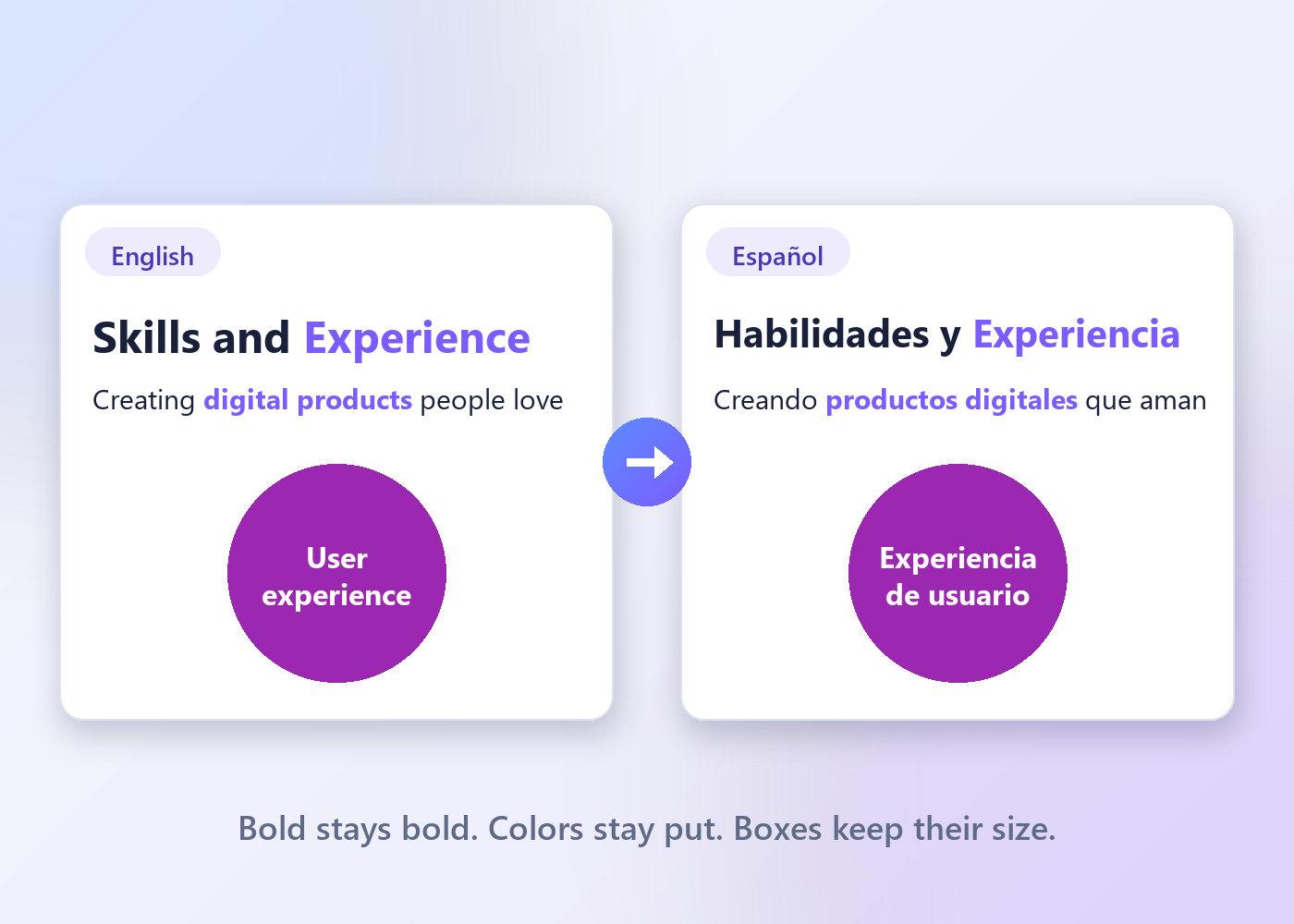
Translations usually come back longer and wreck slide layouts. Not here.
- Bold, colors, fonts and links stay on the right words
- Length-aware translation — same length or shorter whenever quality allows
- Text boxes, circles and diagrams stay where you put them
The whole workflow. One panel.
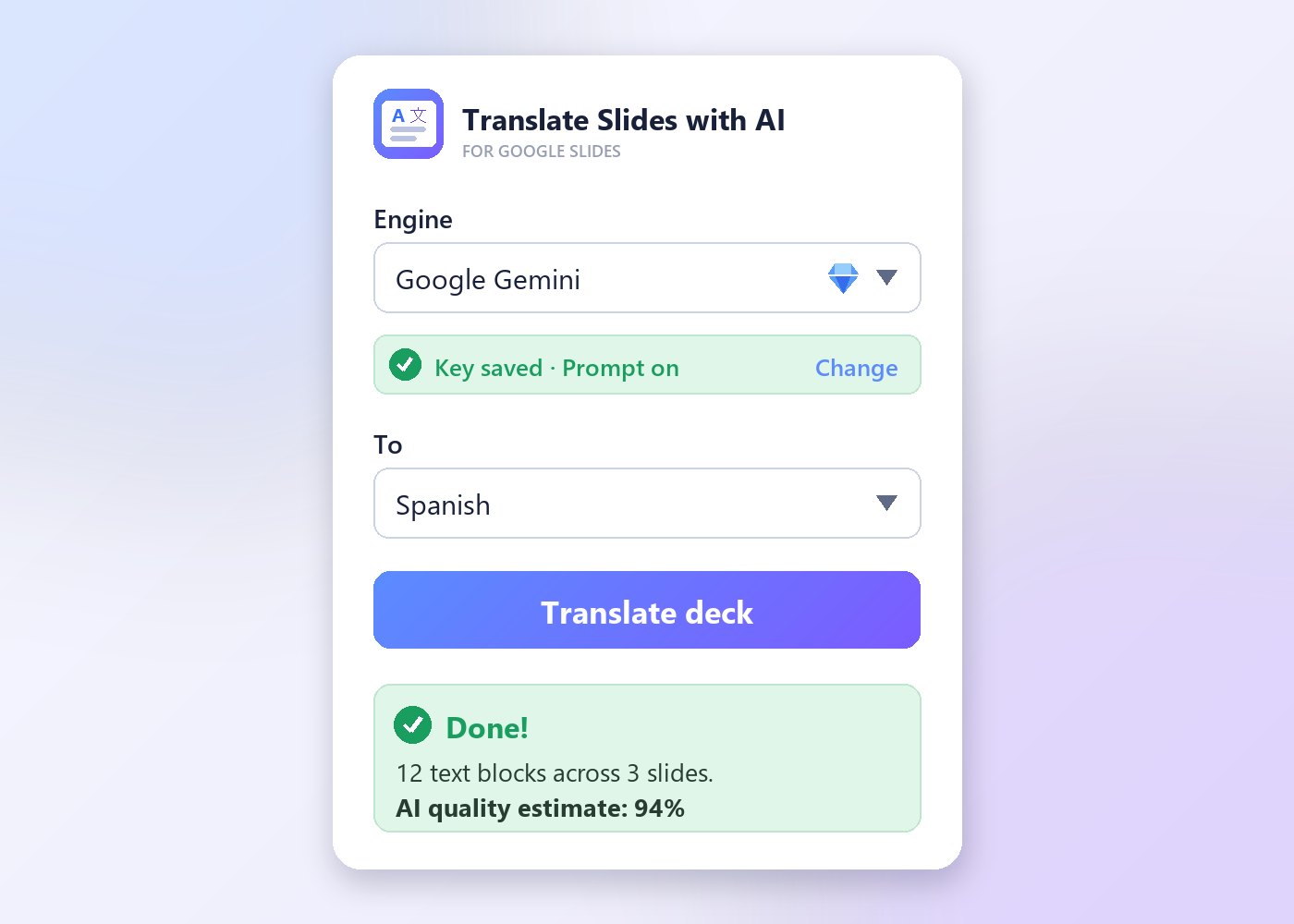
No exports, no copy-paste, no other tabs. Pick a language, click Translate — the deck updates in place.
- Whole deck, current slide, or just the selected text
- Speaker notes included when you want them
- Light and dark theme
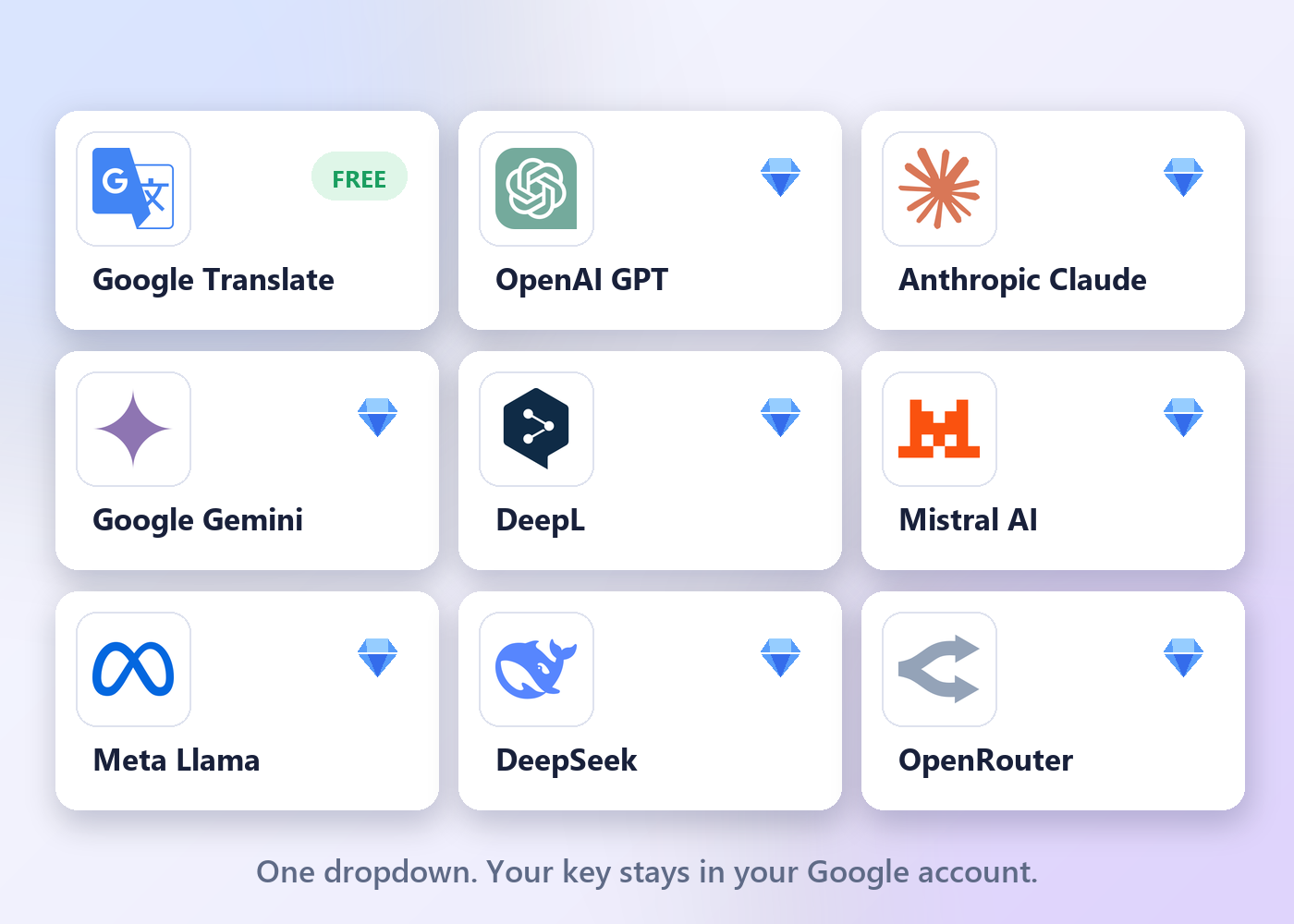
No API key. No setup.
Most AI translators for Slides ask you to open an account somewhere else, generate a key, paste it in and pay that provider separately. This one doesn't. The AI runs on our account, so there is nothing to create, nothing to configure and nothing to top up.
- Install, pick a language, click Translate — that's the whole setup
- No second account, no key to paste, no separate provider bill
- 100 slides free every month, no card asked for
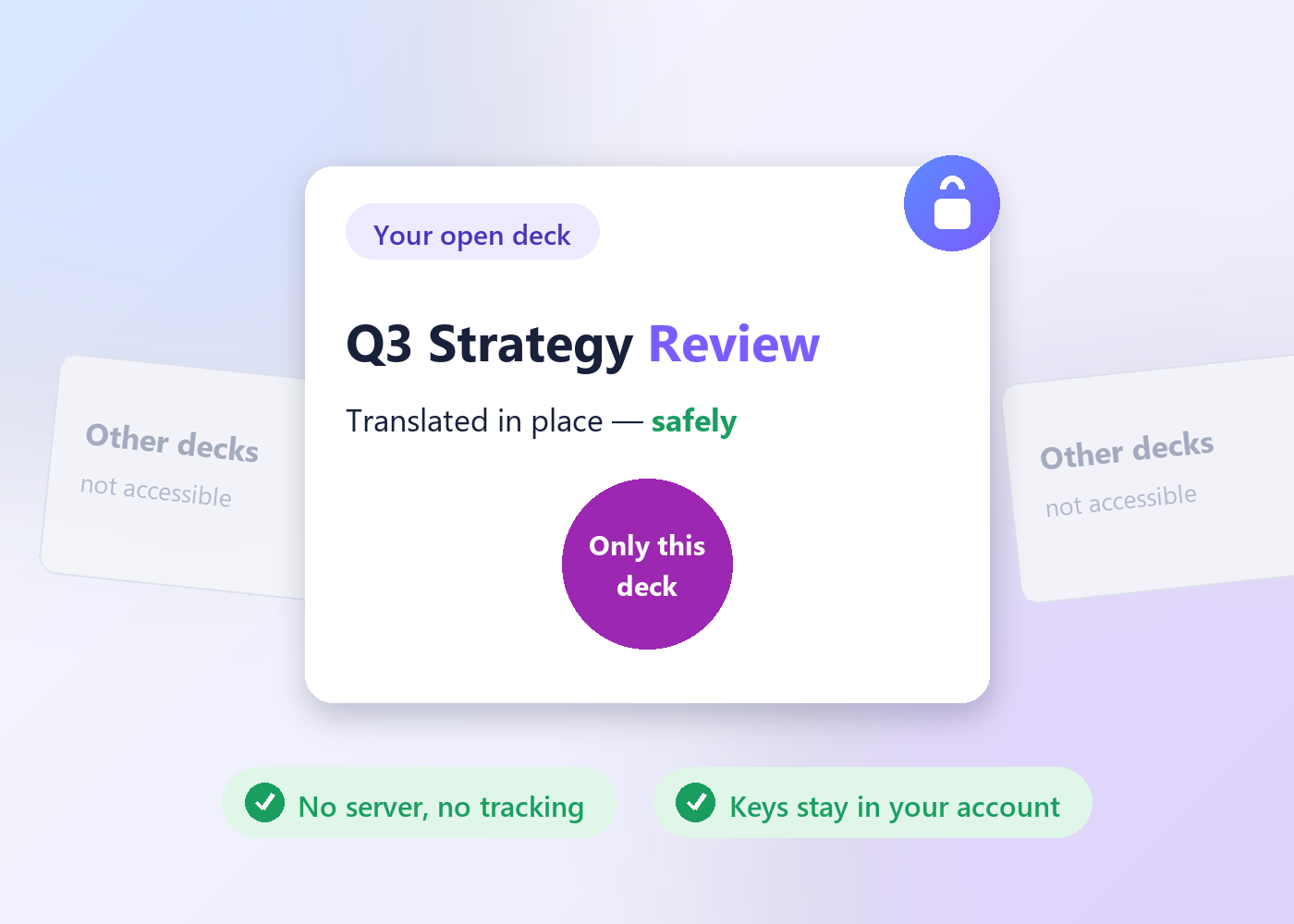
It sees one deck. Yours.
The "current presentation only" permission means your other files aren't just untouched — they're invisible to the add-on.
- No account, no analytics, no tracking
- We run no server that touches your slides, and keep no copy of your text
- To translate, the deck's text goes to OpenRouter and the result comes straight back — read their privacy policy before translating confidential material
Pricing
The same AI in both plans. Premium just removes the monthly limit.
- 100 translated slides per month — resets on the 1st
- The full AI engine, not a weaker one
- Formatting & layout preservation
- Whole deck, one slide, or selection
- Speaker notes
- Everything in Free
- No monthly slide limit — fair use applies
- Priority support from the developer
- Cancel anytime · 14-day refund
or pay monthly at $14.99 · cancel anytime · 14-day refund
FAQ
Which languages are supported?
100+ languages, in any direction. The source language can also be detected automatically.
Will it keep my bold text, colors and links?
Yes — formatting is preserved, including styling on individual words inside a text box. Very heavily styled boxes fall back to the box's main style.
Will translations break my slide layout?
The AI is instructed to keep the translation as close to the original length as possible — same length or shorter whenever quality allows — so your design stays intact.
Do I need an API key?
No. The AI runs on our own provider account, so you never create, paste or pay for a key. That changed on 9 August 2026; earlier versions asked you to bring your own.
How much is free?
100 translated slides every calendar month, no card required. The counter resets on the 1st, so the allowance comes back every month rather than running out once. When it is spent, translation pauses until the 1st or until you subscribe.
What does Premium actually add?
Only one thing: it removes the monthly slide limit. The translation quality, the QA checklist and every feature are identical on the free plan — we don't hold back a better engine for payers. Premium is unlimited subject to fair use (an anti-abuse ceiling of 10,000 slides a month, far above normal use).
Is my presentation content safe?
The add-on works only on the presentation you have open, and we run no server that touches it. To translate, the deck's text is sent over HTTPS to OpenRouter, which routes it to the language model, and the result is written straight back — we keep no copy. OpenRouter is an independent company with its own retention practices and may route to a provider that trains on submitted data, so read the Privacy Policy and OpenRouter's own policy before translating confidential material.
Can I cancel Premium?
Anytime — the subscription is handled by Paddle (our Merchant of Record), and cancelling stops future charges while access runs to the end of the paid period. You then drop back to the free 100 slides a month rather than losing the add-on.
Translate your next deck in one click.
No API key · 100 free slides every month · formatting and layout preserved
Install free from the MarketplaceContact us
Questions, bug reports, feature ideas — we usually reply within one business day.
Prefer email? Write to info@bilingoplus.com
Translate Slides with AI is a product of BiLingoPlus LLC (Wyoming, USA) ·
More of our tools ·
Privacy Policy · Terms of Service · Support
Google Slides™, Google Workspace™ and Gemini™ are trademarks of Google LLC.
This add-on is an independent product and is not endorsed by or affiliated with Google.